Fighting Faechess
GAME DEVELOPMENT STILL IN PROGRESS. Please report any bugs you find, as well as QoL requests.
Latest update (9/9/2026): Added "suggest move" button, updated CPU decision-making algorithm slightly, and let you look at various stats of the pieces on the board (with "deselect").
Controls:
Player 1: Up, down, left, right cursor keys to move; Z or Space to select piece or fire; X to deselect piece. X on a deselected piece shows its stats instead (press Z to get out of Help screen). On controller 1: Joypad to move, Cross/Nintendo B/Xbox A to select and fire, Circle/Nintendo A/XBox B to deselect piece.
Player 2: I, K, J, L to move; F to select/fire; D to deselect; or keypad 8, 5, 4, 6 to move; Enter to select/fire; + to deselect.
S key or controller 1 Start key to start or pause game.
O key or controller 1 Select key to open options window between games.
U key to suggest a move for the current player. (Uses the same decision-making process that the CPU uses, so it's not very smart)
Game Options:
Piece type:
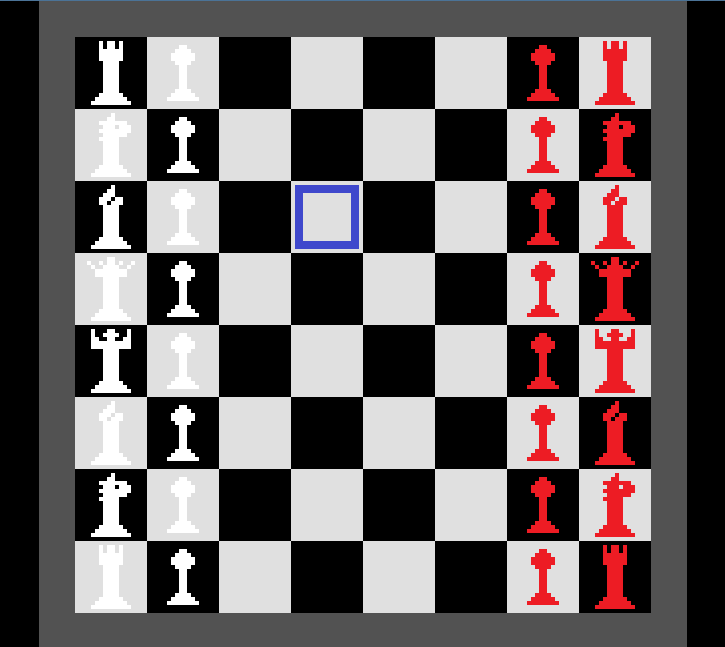
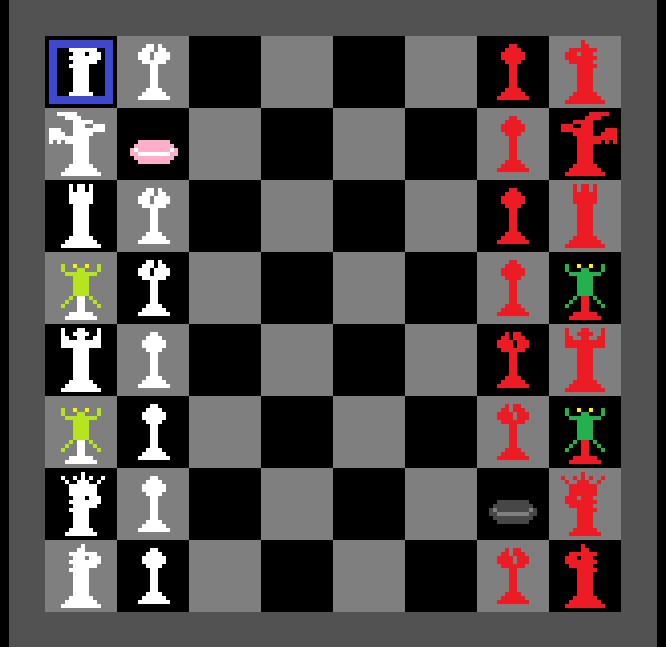
"Normal" for the usual chess pieces (eight Pawns, two Rooks, two Bishops, two Knights, a King, and a Queen),
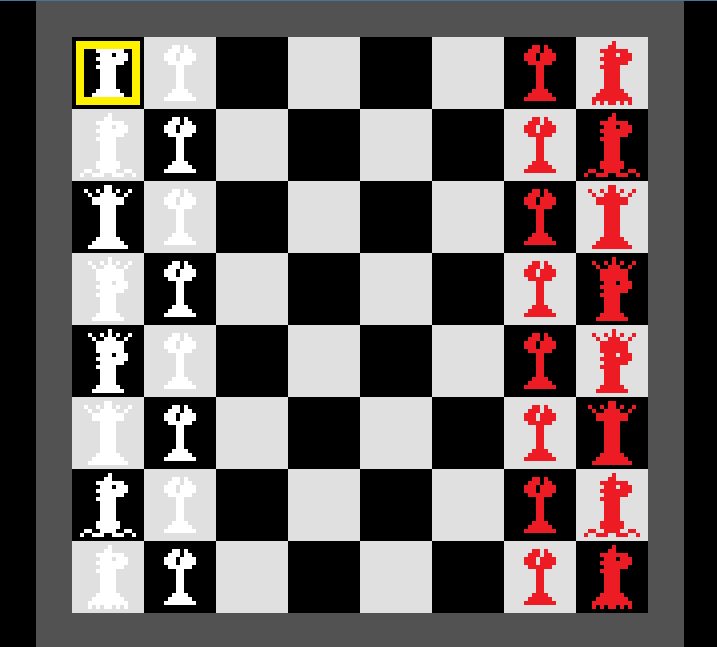
"Fairy" for fairy chess pieces (eight Berolina Pawns, two Princesses, two Empresses, two Duchesses, and two Amazons),
"Random" for a mix (the front row is random Pawns and Checkers (?), the back row is random pieces).
Win Condition:
"Capture All": Defeat all the opposing pieces
"Checkmate": Capture the opposing King. Note that unlike regular chess, you have to capture him, not just put him in checkmate - the King can fight back! In a Fairy Chess game, one of the Amazons will be replaced by a King. In a Random piece game, there will be only one King in its usual starting spot. Kings are also stronger in Checkmate games.
"Boss": This replaces all the Black pieces with a single piece: the Tank. The Tank has 100 HP, 5 armor, and deals 20 damage per shot, but doesn't heal between turns. (At least at this time)
First Player: Determines whether White or Black moves first. You can also select Random. (I know in real chess, White always moves first)
White Control/Black Control: Can choose Human or CPU for each player. The CPU player always tries to capture a piece if it can (and prioritizes the King in Checkmate games), otherwise it moves randomly. In battle, it aims fairly well, but moves more slowly than a player controlling the same piece.
There's three CPU levels. In higher CPU levels, the computer piece moves faster and moves more erratically in combat, and tends to make a beeline for your King on the board in Checkmate mode if it can't capture a piece. Human or CPU level is visible on the board, under the score (number of pieces left). The previous CPU difficulty is approximately the same as the current CPU-2.
Pieces And How They Move:
Normal Pieces
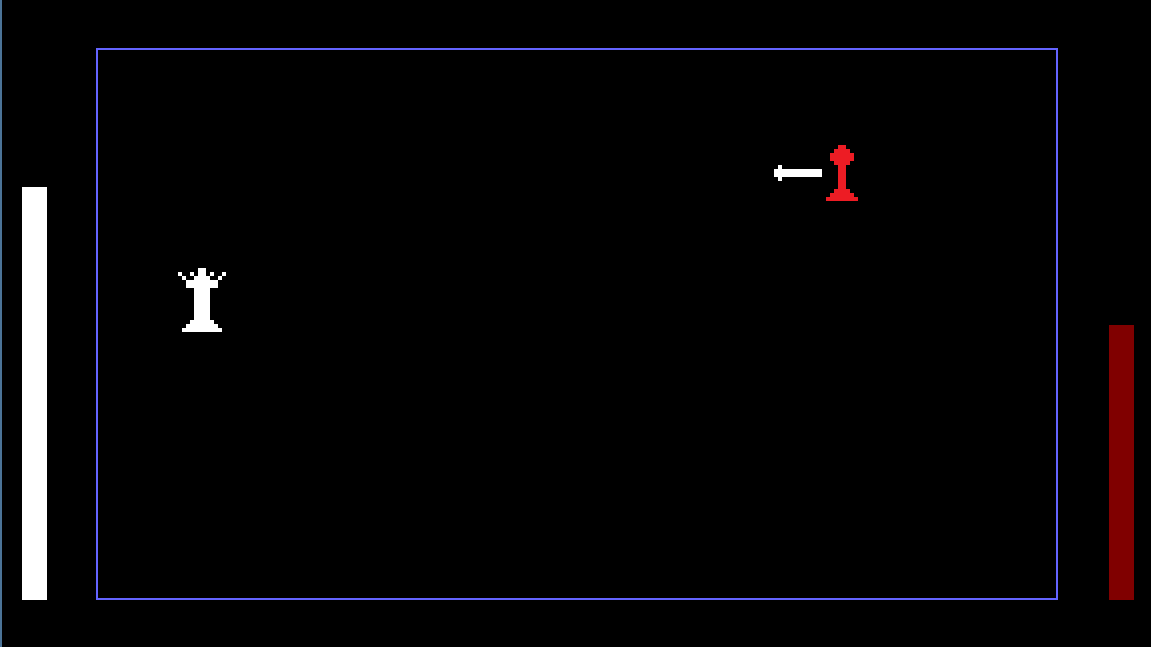
 Pawn: Moves one space directly forward, but can only capture pieces that are diagonal to it. On its first turn, can move two spaces forward. In combat, has low health (the lowest of all the pieces), average speed, a weak melee-ranged spear, but the fastest recharge. When the Pawn reaches the other side of the board, it can be promoted into a Rook, Bishop, Knight, Queen, Empress, Princess, Duchess, Sorceress, or Amazon. (You can't choose to *not* promote)
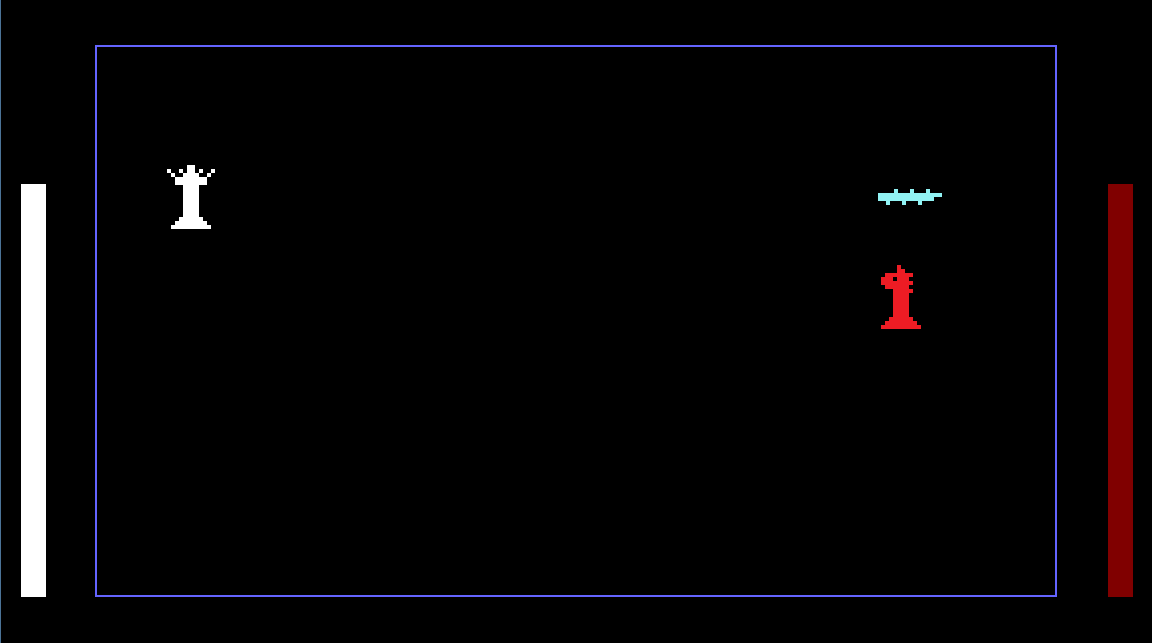
 Rook: Can move any number of spaces orthogonally (horizontally or vertically), unless blocked by another piece. Can capture any opposing piece in its way, stopping there. In combat, it has the slowest movement speed and shot speed and the longest cooldown, but the most damage and most health.
 Bishop: Can move any number of spaces diagonally, unless blocked by another piece. Can capture any opposing piece in its way, stopping there. In combat, has average health, power, and speed, but the fastest shot speed of all the pieces.
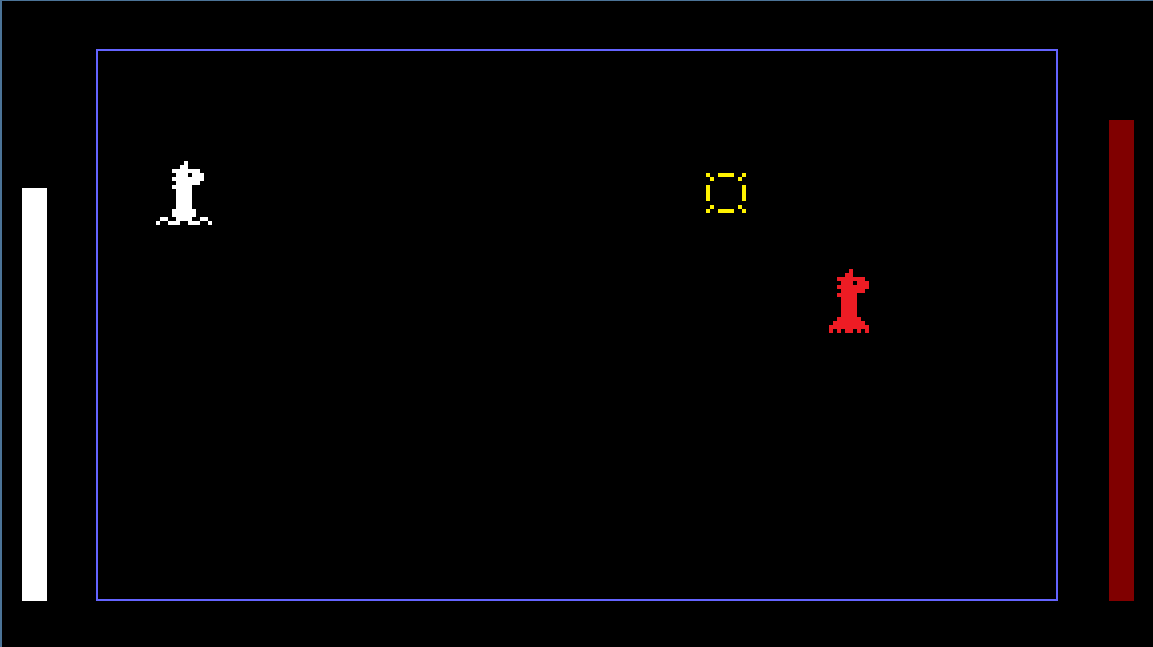
 Knight: Moves in an L-shape: two squares in one direction, then one square perpendicular to the first direction. It can leap over pieces in its way. Captures opposing pieces it lands on, cannot land on allied pieces. In combat, has average health, powerful armor, a strong melee-ranged attack, and fast movement and recharge speed.
 Queen: Moves and captures as a combination Rook and Bishop. In combat, has average speed and health, but above-average shot speed, damage, and shot recharge.
 King: Can move or capture one space in any direction. In combat, moves slowly (same speed as the Rook) but has a powerful fireball attack with average speed and recharge time. In Checkmate mode, has +15 health and deals +2 damage (giving it more health than the Rook and the same damage), but beating the King wins the game.
Fairy Pieces
 Berolina Pawn: Moves one space diagonally forward (or two spaces on its first turn), but can only capture pieces directly in front of it. In combat, fights identically to a normal Pawn. It also can be promoted like a normal Pawn upon reaching the other side of the board.
 Princess: Moves and captures as a combination Bishop and Knight. In combat, has similar stats to a Bishop, but moves faster and has slower shots.
 Empress: Moves and captures as a combination Rook and Knight. In combat, its speed is below average and its damage is above average, about halfway between Knight and Rook.
 Duchess: Can move one, two, or three spaces in any orthogonal or diagonal direction, leaping over any piece in its way. Captures opposing pieces it lands on, cannot land on allied pieces.
 Amazon: Moves and captures as a combination Queen and Knight. Very high mobility. In combat, has average health, below-average damage (only the Pawn is weaker), but very fast shot speed (only the Bishop is faster).
Random Pieces (these pieces only appear in Random mode)
 Sorceress: Moves like a Queen, but can only capture by leaping over a piece first. Fast and powerful in combat, but very low health.
 Checker: This poor little guy is lost. Moves one space diagonally forward, captures by jumping over an enemy piece. When reaching the far end of the board, automatically promotes into a Checker King. Fights exactly as a Pawn in combat.
 Checker King: moves and captures like a Checker, but can also move backwards. In combat, acts as a stronger but slower Knight. It will not appear at the start of a game, can only be promoted into by a regular Checker.
Random Checkmate Pieces (these pieces only appear in Random mode with Win Condition set to Checkmate)
 Frog: because I had to work a frog in there somewhere. Surprisingly, it's an actual Fairy Chess piece. It either leaps exactly three spaces in any horizontal or vertical direction (jumping over any pieces in the way), or moves one space diagonally. In combat, it's fast but has a weak melee attack.
 Dragon: Moves like a combination Knight and King. In combat, it's slow, tough, and heavily armored, and hits like a truck, but has a long cooldown and a short range. (There is an actual Dragon fairy chess piece, but that moves as a combination Pawn and Knight. This is slightly more powerful)
Boss Piece Tank: Moves like a King (one space in any direction). In combat, it's very very slow, but has a lot of health (more than the health bar suggests), a lot of armor (pawns can barely scratch it), and its weapon can one-shot pawns and two-shot everything else.
Debug Controls (all only work on the chessboard, not in battle):
0 - reset game (test mode, depending on what I'm working on at the time)
E - end game
[ - switch CPU mode on/off for both players.
(Note that hitting E while a CPU player is taking its turn doesn't end the game properly; this is a known issue but one that won't be in the final game (since these particular controls won't be in the final game). That's the main reason for the [ debug key, to turn off CPU control so you can reset the game)
Development log
- It's a bird, a plane, a frog! A frog?81 days ago
- Off-days are on-days93 days ago
- Tentative title, other updates!Jun 29, 2026

Comments
Log in with itch.io to leave a comment.
Waaaait, did ya get the "Piece Promotion" sound from ChessMaster for the Nintendo DS?? 👀 'Cause it makes that exact sound, this just woke up a CORE memory LOL
I got it from a page of stock sound effects. Like this one: https://sounddino.com/en/search/?kind=sound&s=+Solemn+fanfare+sound